See word and character speed at the same time. Use short sprints for peak speed and 60–120 second tests for sustainable pace.
FREE MULTILINGUAL TYPING SPEED TEST
Measure your speed.
Build your rhythm.
Measure words per minute (WPM), characters per minute (CPM), accuracy and typing errors in one test. Practice with English, German or Turkish texts at easy, medium and hard levels for 15, 30, 60 or 120 seconds. Sign in to save verified results and compare your progress.
⚡ Timer starts on first key
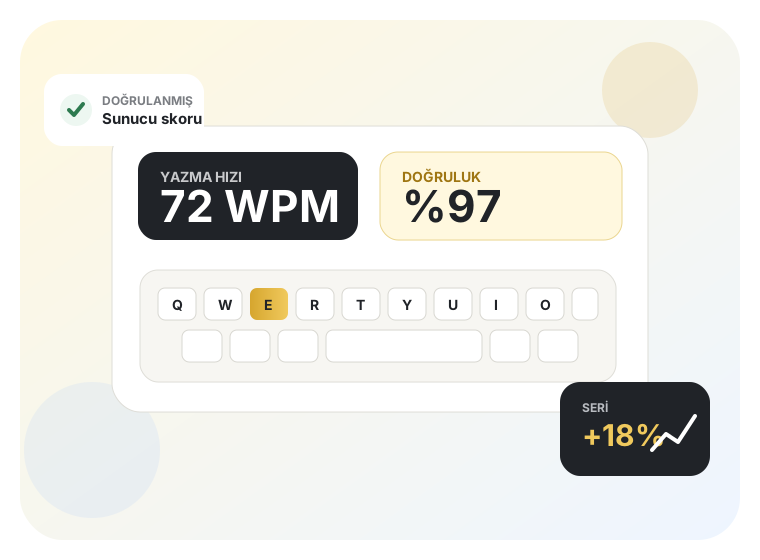
✓ Verified score
🏆 Leaderboard
4test durations
15–120 saniye
15–120 saniye
3difficulty levels
kolay, orta, zor
kolay, orta, zor
9result metrics
speed + accuracy
speed + accuracy
1hedef
daha temiz yazmak
daha temiz yazmak
ONE TEST, MORE INSIGHT
Go beyond “how many WPM?”
Real improvement becomes visible when speed and accuracy are tracked together. That is why KLAVYOMETRE explains performance with several metrics instead of a single number.
Track correct and incorrect keystrokes separately. See whether errors rise with speed and build a more balanced practice routine.
When signed in, verified tests are saved to your profile. Compare performance with other users using language, duration and difficulty filters.
HOW IT WORKS
See your real typing performance in three steps.
The timer does not start when the page opens. Your text is prepared first, the timer begins with your first character, and speed, accuracy and keystroke statistics are calculated together at the end.
- 01Choose duration and difficulty
Choose 15, 30, 60 or 120 seconds and an easy, medium or hard text in your preferred language.
- 02Start with the first key
The timer starts when you type. WPM and accuracy update live throughout the test.
- 03Review your result
WPM, CPM, score, correct/incorrect words and keystrokes appear on the result screen.
TYPING GUIDES
See your score. Then learn what to improve.
Turn your result into a practical improvement plan with guides on WPM, accuracy, touch typing and consistent practice.
⚡
BASICSWhat is WPM?
🚀Learn how typing speed is calculated and interpreted.
PROGRESSIncrease typing speed
⌨️Type more smoothly with practical methods.
TECHNIQUELearn touch typing
🎯Finger placement and consistent repetition.
ACCURACYReduce errors
📝Control backspace use and mistypes.
EXAMCourt clerk typing preparation
30Structure timing, rhythm and practice sessions.
PROGRAM30-day plan
A structured four-week practice plan.
AdvertisementThis area can display automatic ads after AdSense approval.
IMPROVE YOUR TYPING
Faster typing starts with cleaner typing.
Typing faster is not just about moving your fingers more quickly. The goal is to reduce the delay between thought and text while controlling errors. A steady, accurate rhythm produces higher and more consistent WPM over time than rushing and constantly correcting mistakes.
What is WPM?
WPM means words per minute. A common convention treats five correctly typed characters as one word, making performance comparable across texts with different word lengths.
What does CPM show?
CPM shows characters typed per minute. Used with WPM, it provides a more detailed view of raw typing speed across languages with different word lengths.
Why does accuracy matter?
Correcting a mistyped word costs both time and attention. High WPM is most useful when accuracy remains strong, so the goal is to reduce errors while speed improves.
Which duration should I choose?
15- and 30-second tests are good for quick sprints. 60 seconds is a balanced standard, while 120 seconds better reflects sustained rhythm, focus and error control.
Frequently asked questions
What is a good typing speed in WPM?
There is no single “good” speed for everyone. A better goal is to improve your own average, maintain accuracy and sustain the same pace on longer tests.
When does the test start?
The timer starts with your first typed character, not when the test page opens, so you do not lose time while getting ready.
Are results saved?
Guests can test without an account, but results are not permanently linked. Eligible verified tests from signed-in users are saved to profile history and can appear on the leaderboard.
How can I improve typing speed?
Focus on accuracy first, reduce the need to look at the keyboard, practice in short regular sessions and identify difficult key combinations. Speed grows naturally as correct movements become automatic.